Retrospective Blog
Categories: RetrospectiveLooking back on my CSSE 1 journey
| Roles | Name |
|---|---|
| Tinkerers Scrum Master | Anish Gupta |
Throughout this blog, I will be reflecting on my progress and growth in CSSE 1.
Sprints
Sprint 1 - Tools/Machine Setup
In this sprint, we went through the steps to set up
- Kasm - for those on a Chromebook
- Mac
- Windows
At the beginning of the year, I set up Kasm, but a few weeks later, I transitioned to my personal Windows computer.
I made a blog about my experience setting up Windows and WSL here. This blog contains how I set Windows up and how to debug common Windows issues.
In addition, our team made a Sci-Fi onboarding experience lesson, which you can view here. This onboarding experience contains the “KASM Setup”, “Linux Filesystem Tutorial”, and “Software Development Life Cycle” sections. As you finish each section, the section turns green and you get access to the next section.
For the hacks, our team worked on
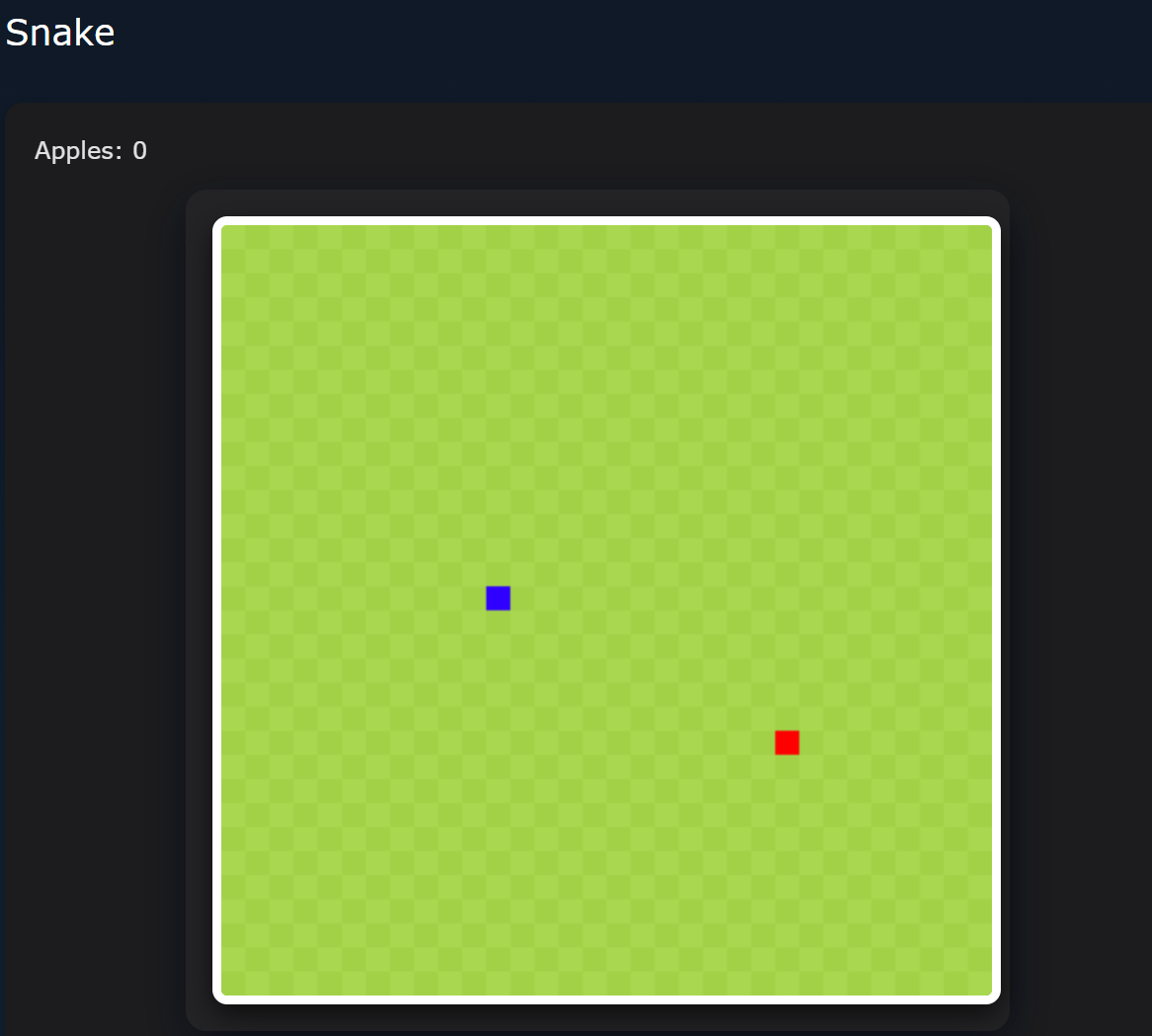
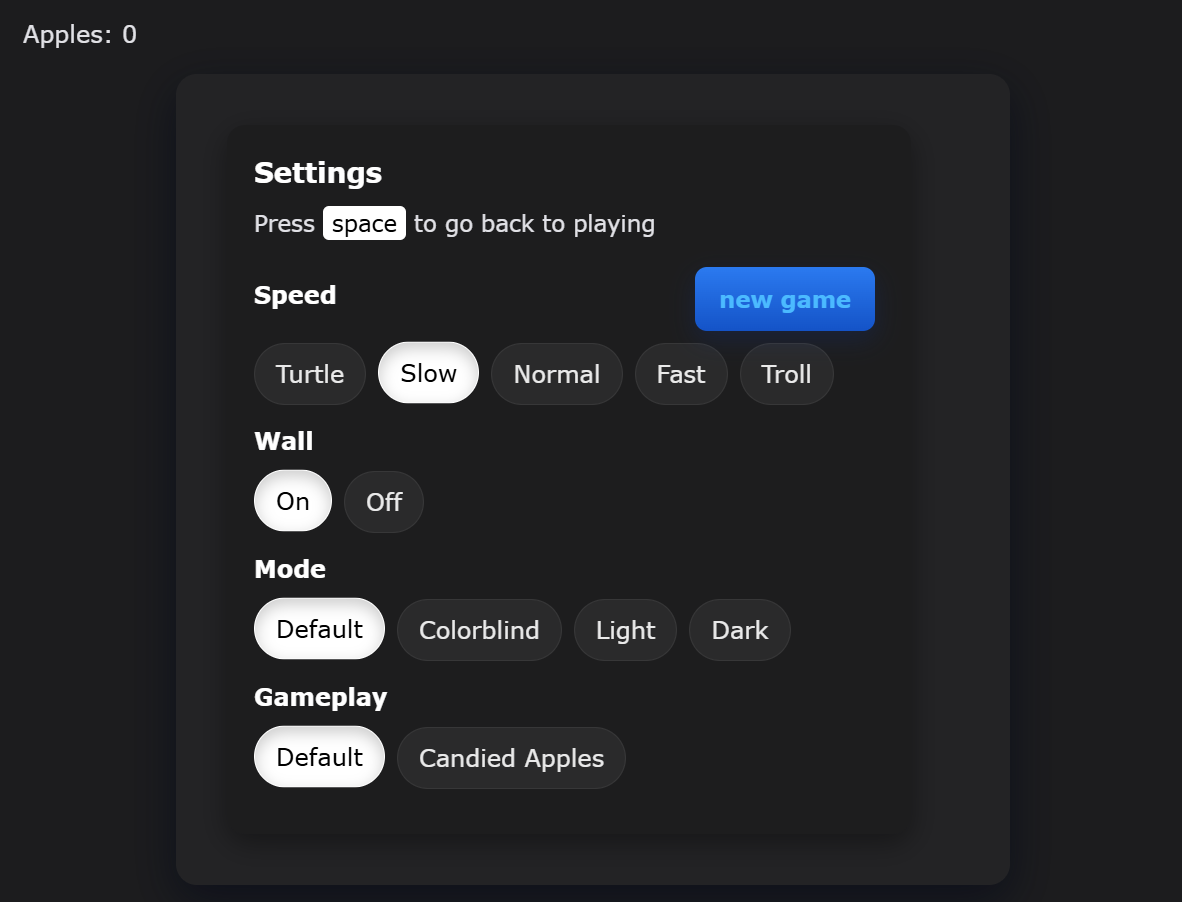
- Snake (S1)
- Word Game (S1)
- Calculator (S2)
- Tic Tac Toe (S2)
Since I was in subteam 1, I worked on the snake game and the word game.
Word Game
Snake
Tic Tac Toe
Calculator
From this sprint, I learned how to set up and get accustomed to Git and VSCode.
Sprint 2 - JavaScript Fundamentals Lessons
In this Sprint, the class taught each other lessons on JavaScript. My team covered the topics:
- Variables, the first lesson for the class
- Functions
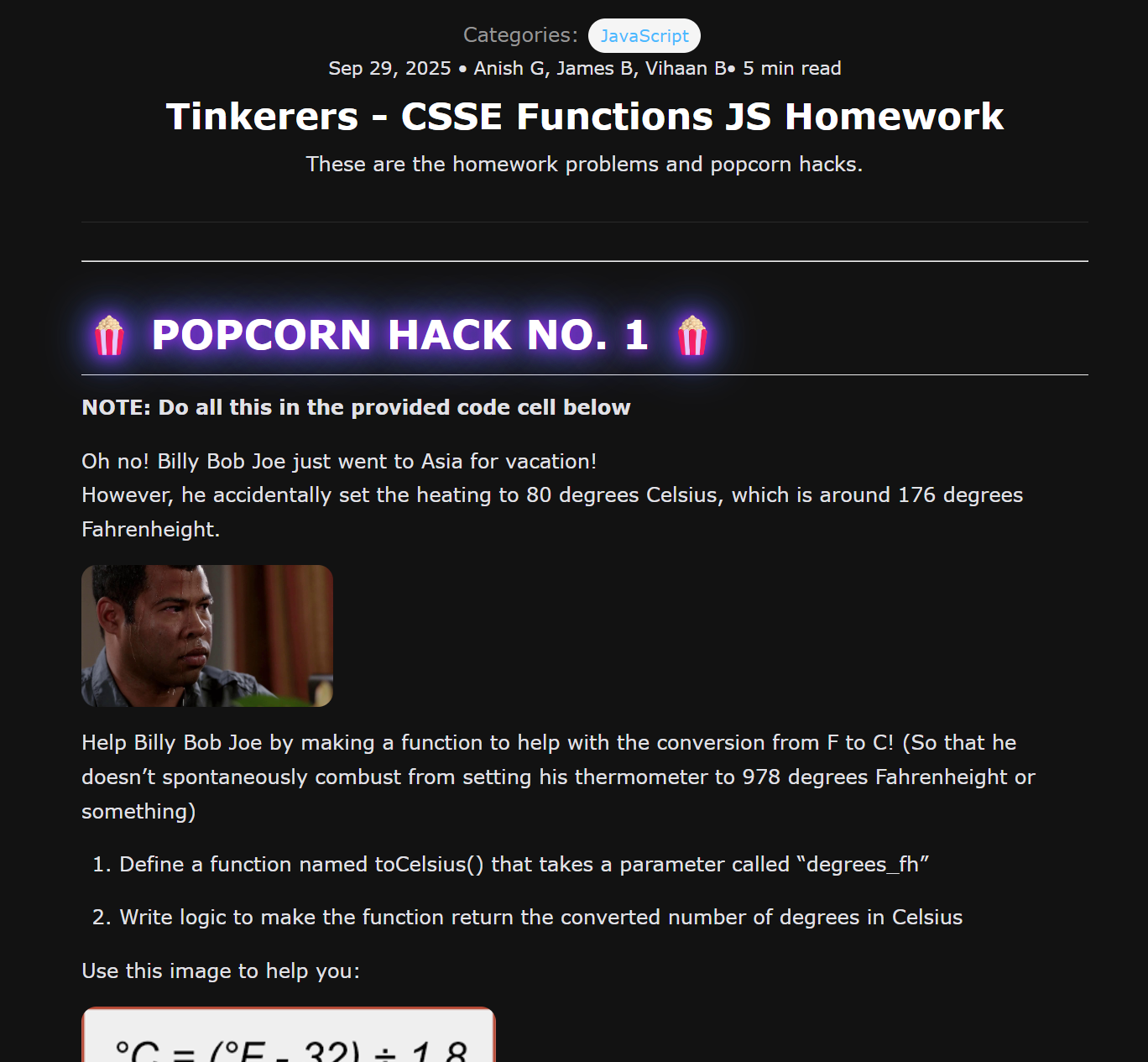
I helped make major contributions to our lessons because I made the lessons interactive with DOM. I was the main teacher for the functions lesson, and I helped with the variables lesson by making interactive demos. By adding things like DOM elements, images, and Mermaid charts, I helped make the lessons more interesting and appealing.
For the functions lesson, I made the large majority of the lesson, popcorn hacks, and homework problems.
From this sprint, I learned the fundamentals of JavaScript.
Sprint 3 - Game for N@tM (Quest of Spook)
Our class made a game for Night at The Museum (N@tM) called Quest of Spook. Our team was responsible for Level 6, which was the boss fight.

Our team made a blog reflecting on our challenges and how we organized ourselves, which you can view here: https://pages.opencodingsociety.com/gamify/blogs/mansion6.
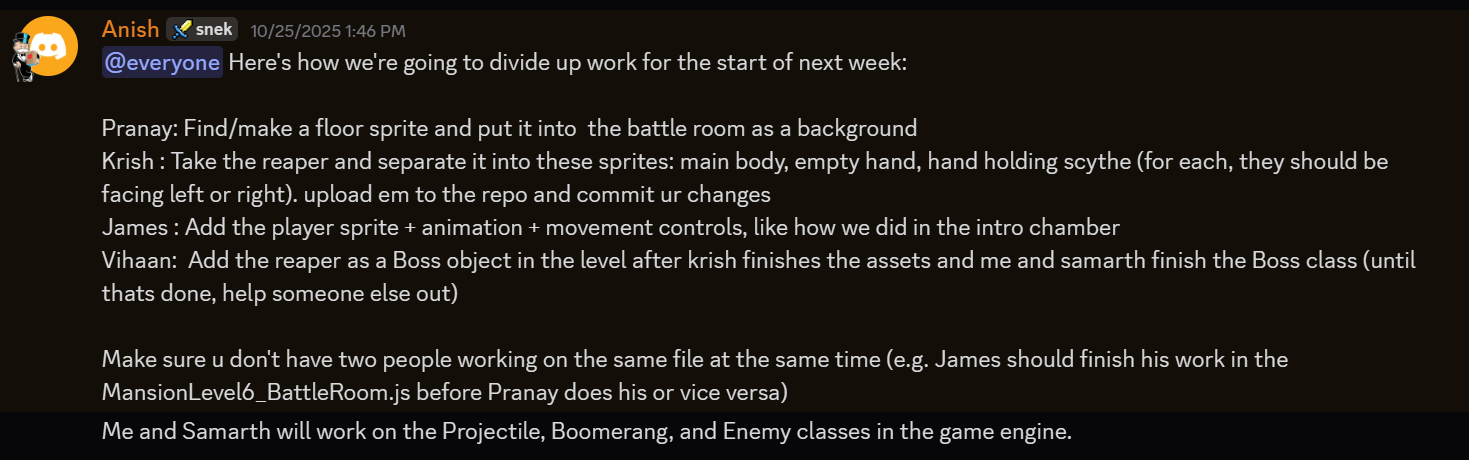
I helped contribute to the project as I was the Scrum Master for our team. I worked with my team to make the additions to the game engine (Boss.js, Boomerang.js, FightingPlayer.js, Projectile.js) that enabled the Reaper to work properly with its unique mechanics.
Within my team, I assigned tasks to people so that everybody had the opportunity to contribute to the project. I also frequently helped other teams.
How N@tM went
N@tM was a big success for us. We recieved lots of encouraging comments, and we got three to four parents to play our boss fight level. All of them had exceptionally positive feedback. Here are two pieces of feedback:
“wonderful game. wish i could have done better at playing it”
“Great interactive game. Good team work!”
One person in particular was curious about the algorithms we used to do the scythe and collision detection, to which we responded that we used the Pythagorean Theorem for collision detection and this Desmos graph for the elliptical path of the scythe.
From this sprint, I learned how to apply the JavaScript fundamentals we learned about in Sprint 2.
Sprint Takeaways
- Sprint 1: Prepare to apply your fundamentals
- Sprint 2: Learn your fundamental skills
- Sprint 3: Apply those fundamental skills
Analytics
Commits
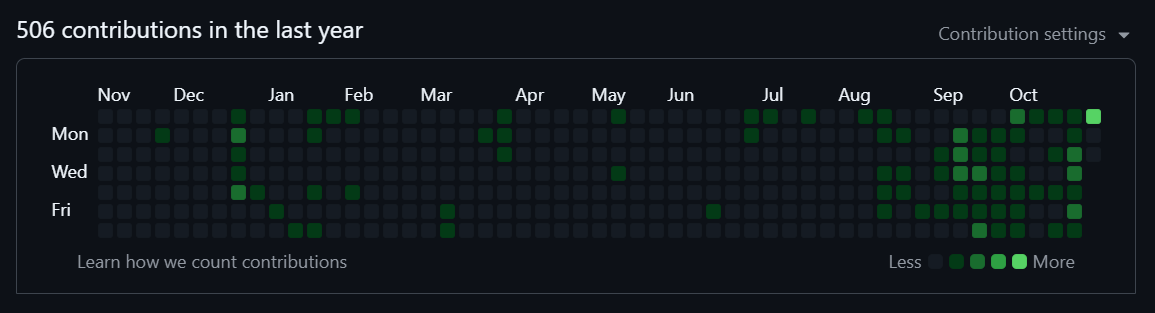
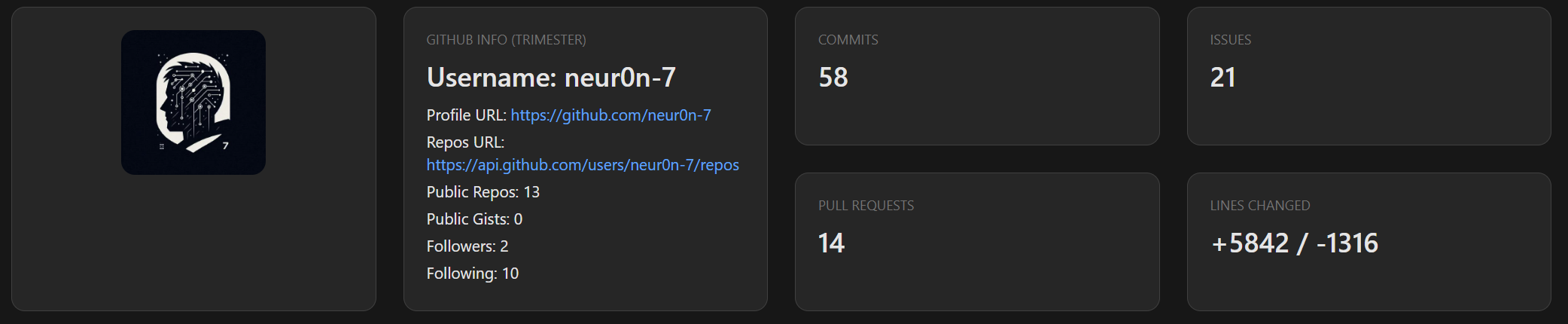
For the Gamify Quest, out of my group and the class, I have the majority of the commits, many of which were key commits that introduced central features of the game. Here are some of those key commits:
- Majority of the initial room, including player movement collision w/ door, etc.
- Code to start audio in both rooms
- Uploading critical files such as the player sprite & audio files
- Most (if not all) of the other levels rely on these uploaded files
- Transition between intro chamber and boss fight
- This code was reused by the team responsible for level two
- Many key features of the boss fight, e.g. the scythe and player attack systems
Issues
Here is an example issue, in which I assigned people to tasks and left updates on Issues to keep track of our progress.
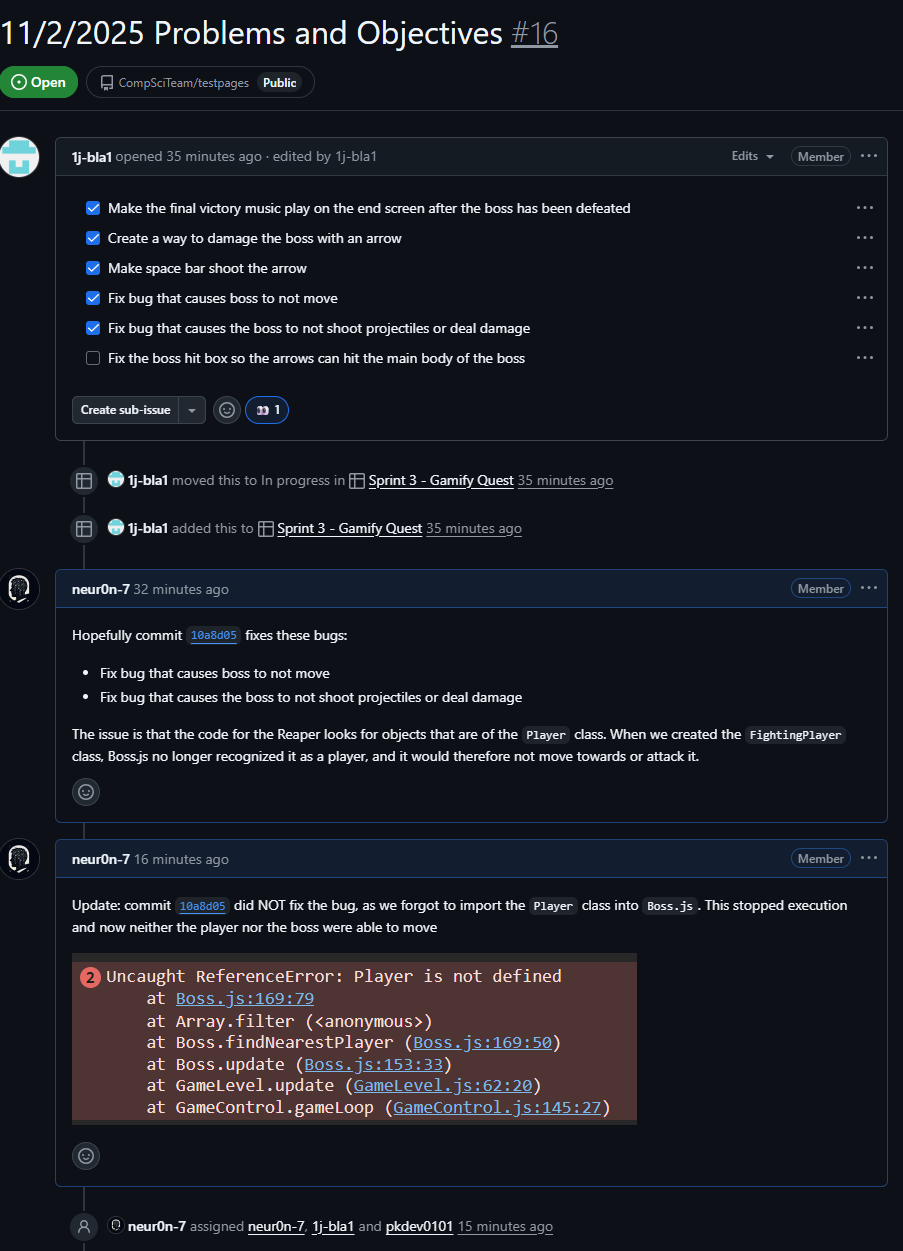
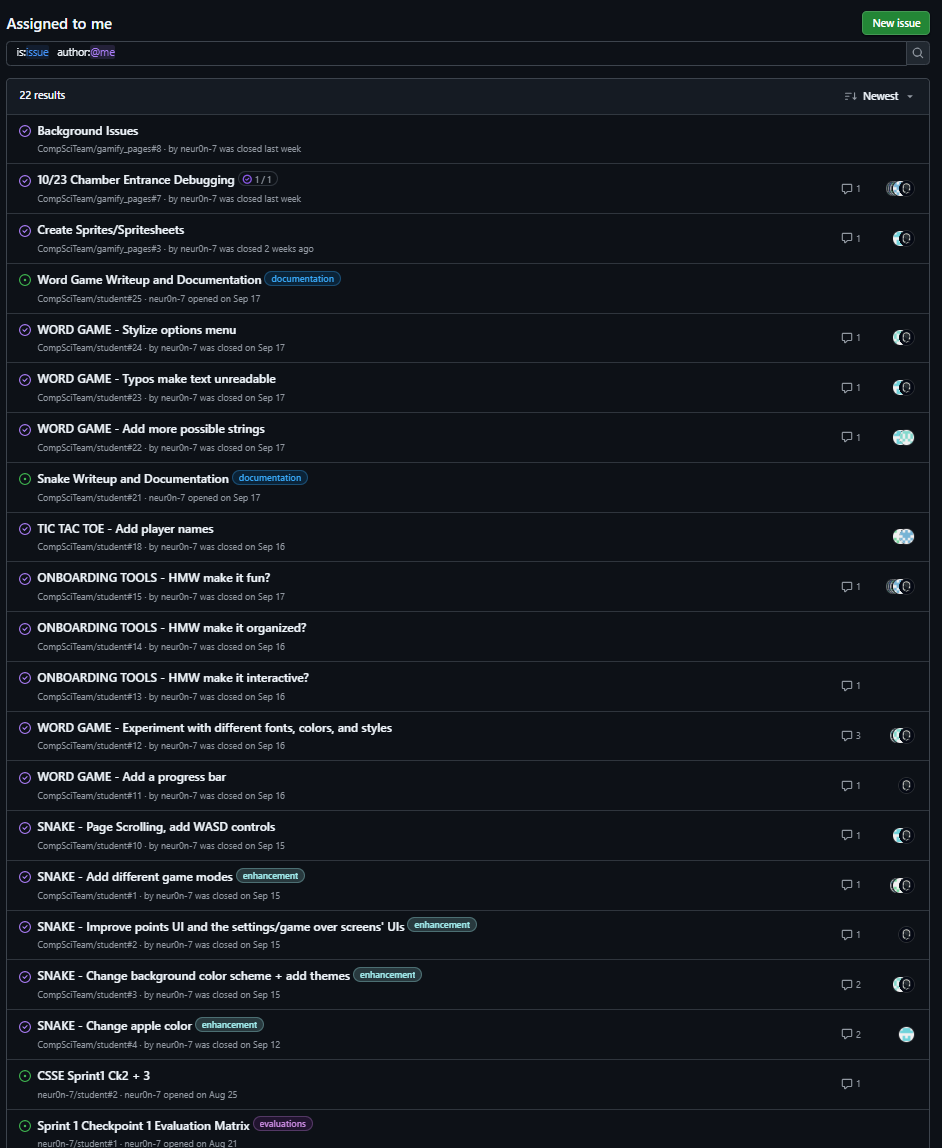
Here are all the issues I authored throughout CSSE 1:
Pull Requests
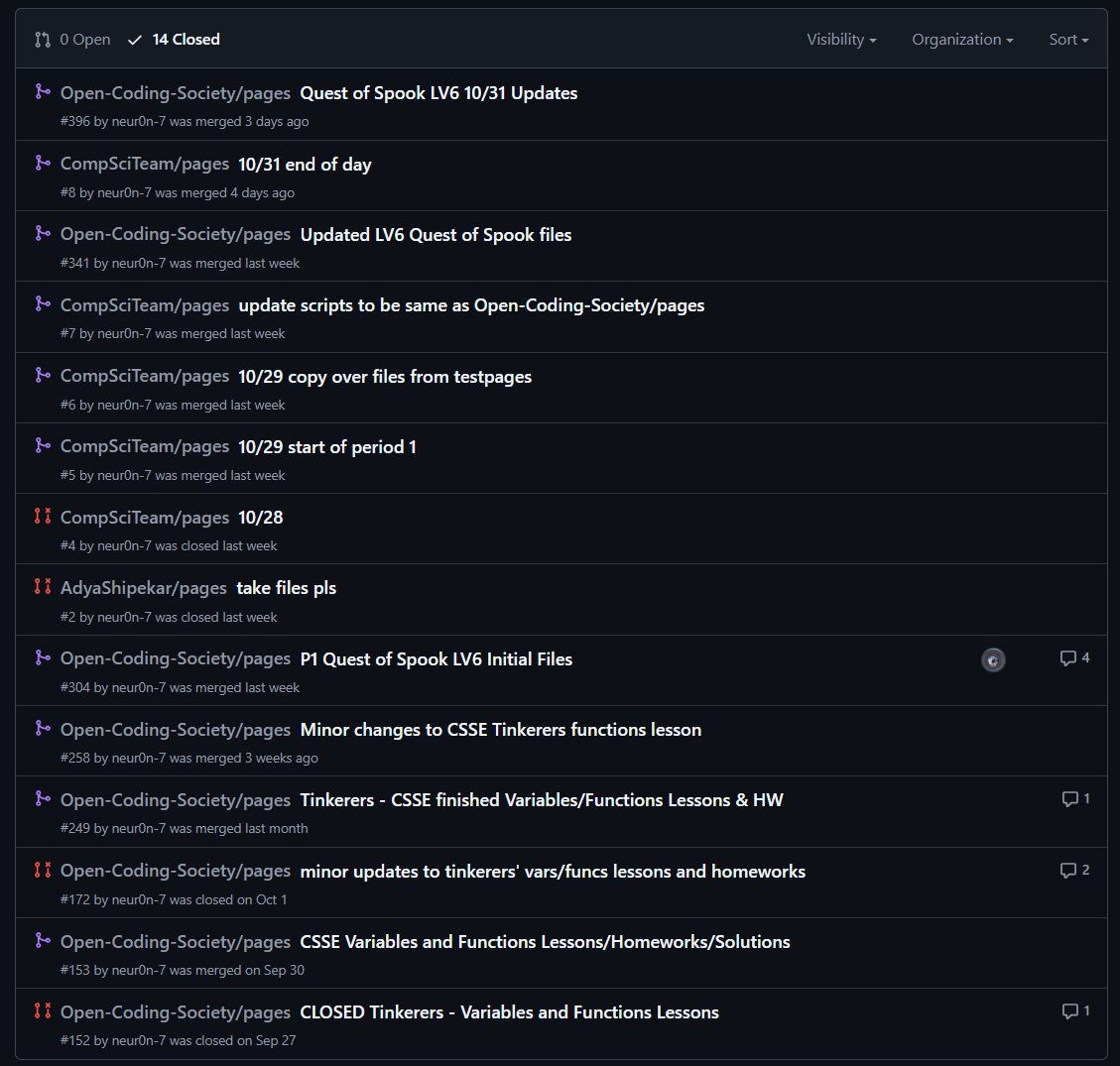
I have made 14 pull requests, 8 of which were to Open-Coding-Society/pages. Here is an image of my pull requests throughout CSSE 1:
Comparison to Beginning of the Year
What have I learned?
- How to write code in Jekyll sites, using things like Frontmatter
- How to use Markdown and create Jupyter notebooks
- How to use Git & GitHub to code collaboratively
- How to use JavaScript, HTML, and CSS together
- How to use Issues & Kanbans to organize ideas
- How to turn those ideas into reality 🔥
Before:
- Little experience with JavaScript but more experience in other languages
- Had some background with HTML and CSS
- No knowledge of Jekyll sites
- Had GitHub but didn’t use it
After:
- JavaScript fluency
- General understanding of Jekyll sites
- Tools like Mermaid, Frontmatter, etc.
- Understanding of how to use Git for version control
- Understanding of how to use GitHub tools like Issues, PRs, Kanbans, etc. to plan out projects
Next steps
What would I do if I had more time on the game?
- Add animations to the Reaper. Currently, it is static as we didn’t have the timeframe to implement animations and other cosmetic changes.
- Add more player attacks + mechanisms
- Sound effects instead of just music
- Implement some of our scrapped ideas
- Melee attacks
- Player/boss healing
- Implement local storage / logging in to save progress
Other learning experiences
- Learn about backend development (like DBs, SQL, etc.)
Leadership & Impact
- Played a central role in my team as Scrum Master
- Helped at least three other teams
- Every other team depends on our contributions for the N@TM project
- Other teams
stoleborrowed our code in multiple areas- In sprint 2, other teams used our format as we did the first lesson
- In sprint 3, every other team used the spritesheets we created and uploaded + one team used the exact same code as us in one area
